
Technology
Feel the game in your seat.
Braking, corners and kerbs come through the seat. It has its own brain; no PC needed.
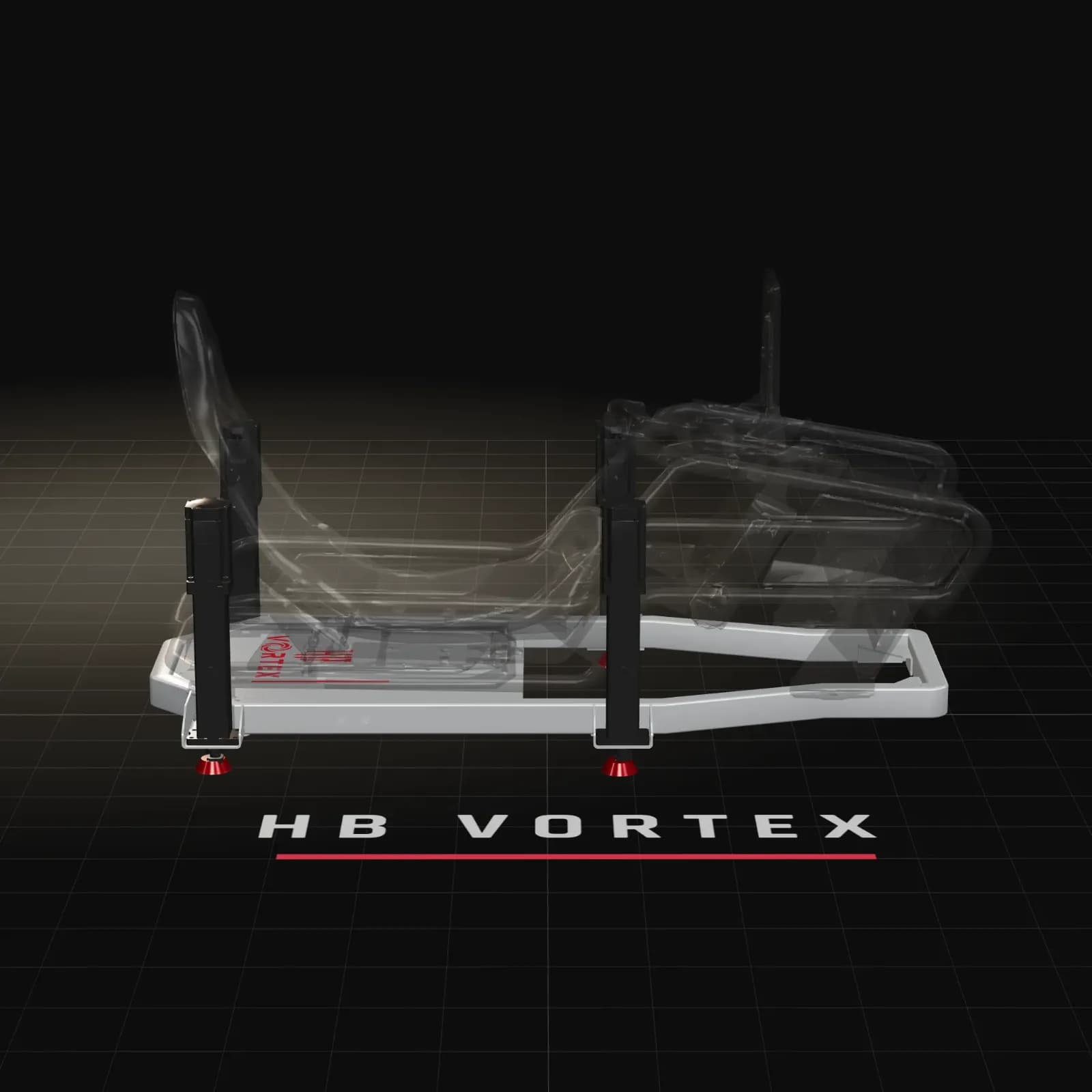
Motion
Forward under braking. Sideways in corners. Up over kerbs.
Whatever happens in the game, the seat does it at the same moment.
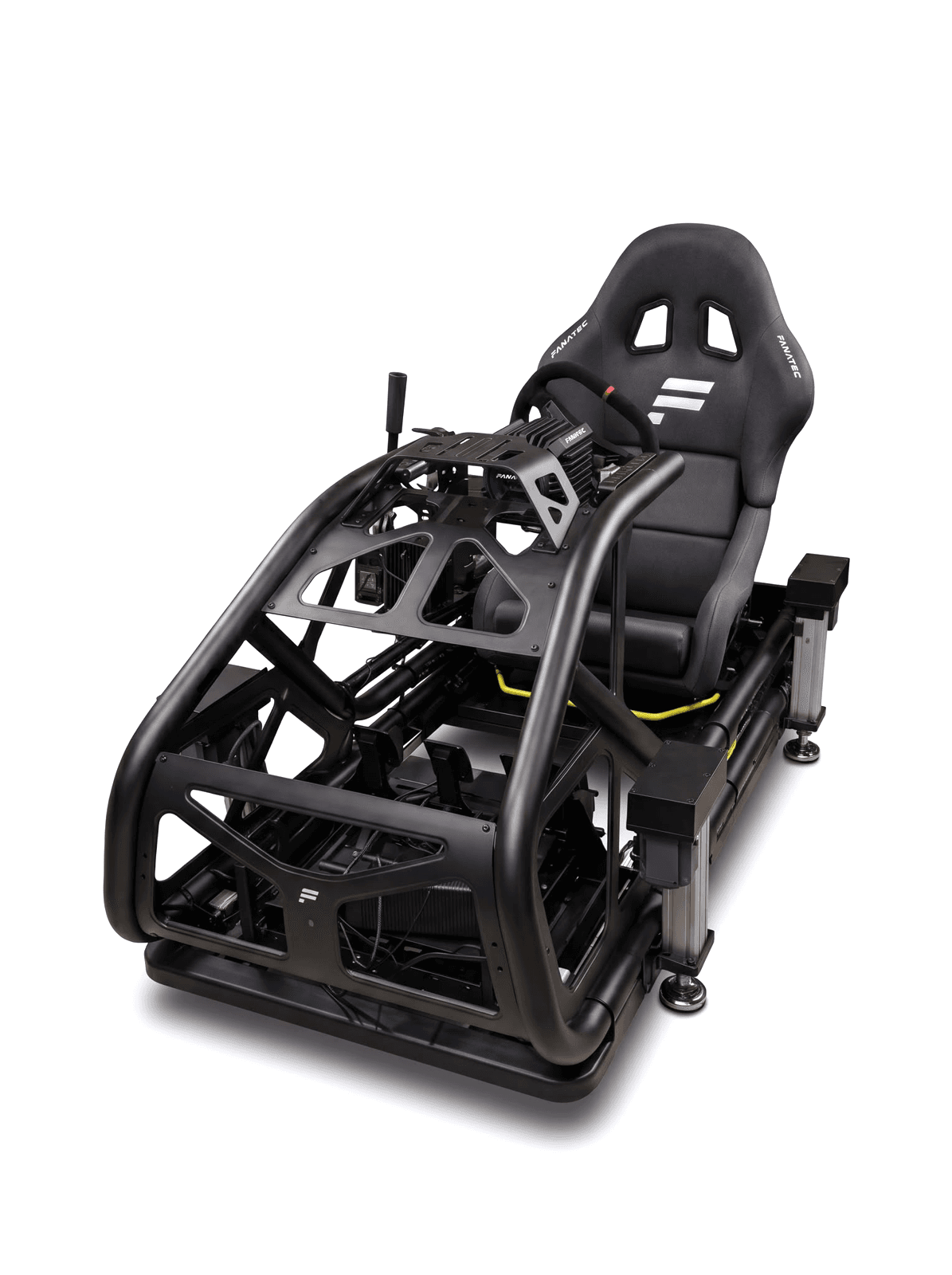
Forward and back
You dive forward under braking and sink back into the seat when you accelerate.
Technical term: pitch
Left and right
It leans into corners, so you feel the car's load in your body.
Technical term: roll
Up and down
Bumps, kerbs and every jolt in the road come up from below.
Technical term: heave
Together, these three movements are called 3-axis motion (3-DoF). Above 100 km/h, you also get the “floating” feel of aerodynamic lift.
Standalone control unit
No PC needed.
Connect your console, press the button, drive.
- PlayStation 5
- Xbox
- PC
Works with Fanatec, Simucube, Moza and Thrustmaster wheels and pedals. It arrives turnkey; just plug it in.
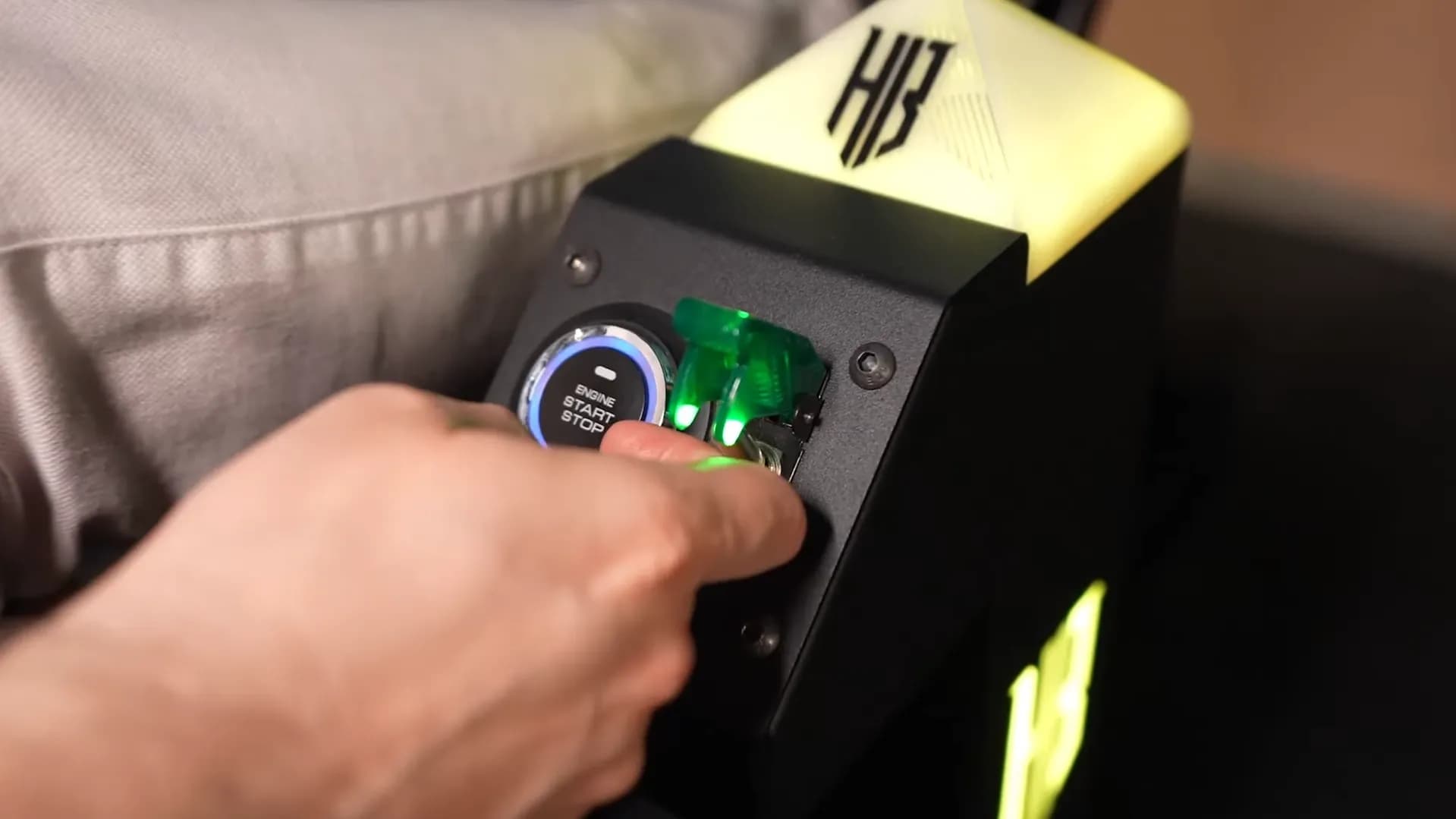
Smoothness
No stutter. Just smooth.
Even if the game stutters for a moment, the seat keeps flowing.
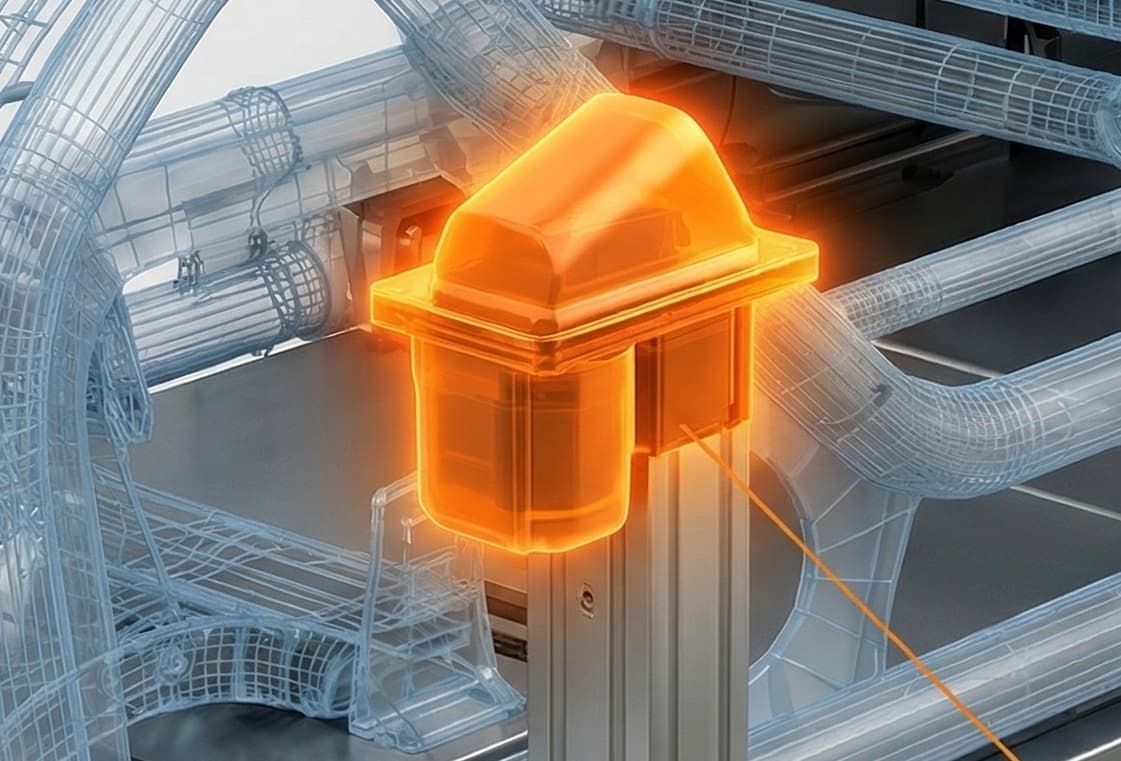
Precise reading
Game data is read at 17-bit resolution, with no rounding errors.
Fluid motion
It tracks the last 20 motion frames and updates its position more than 60 times a second.
Tuned per game
Dedicated code for F1, Gran Turismo 7, Assetto Corsa and Forza. Other games via SimHub.
IGNITE
Your phone is the remote.
Adjust motion intensity while you drive. Stop it with one tap.
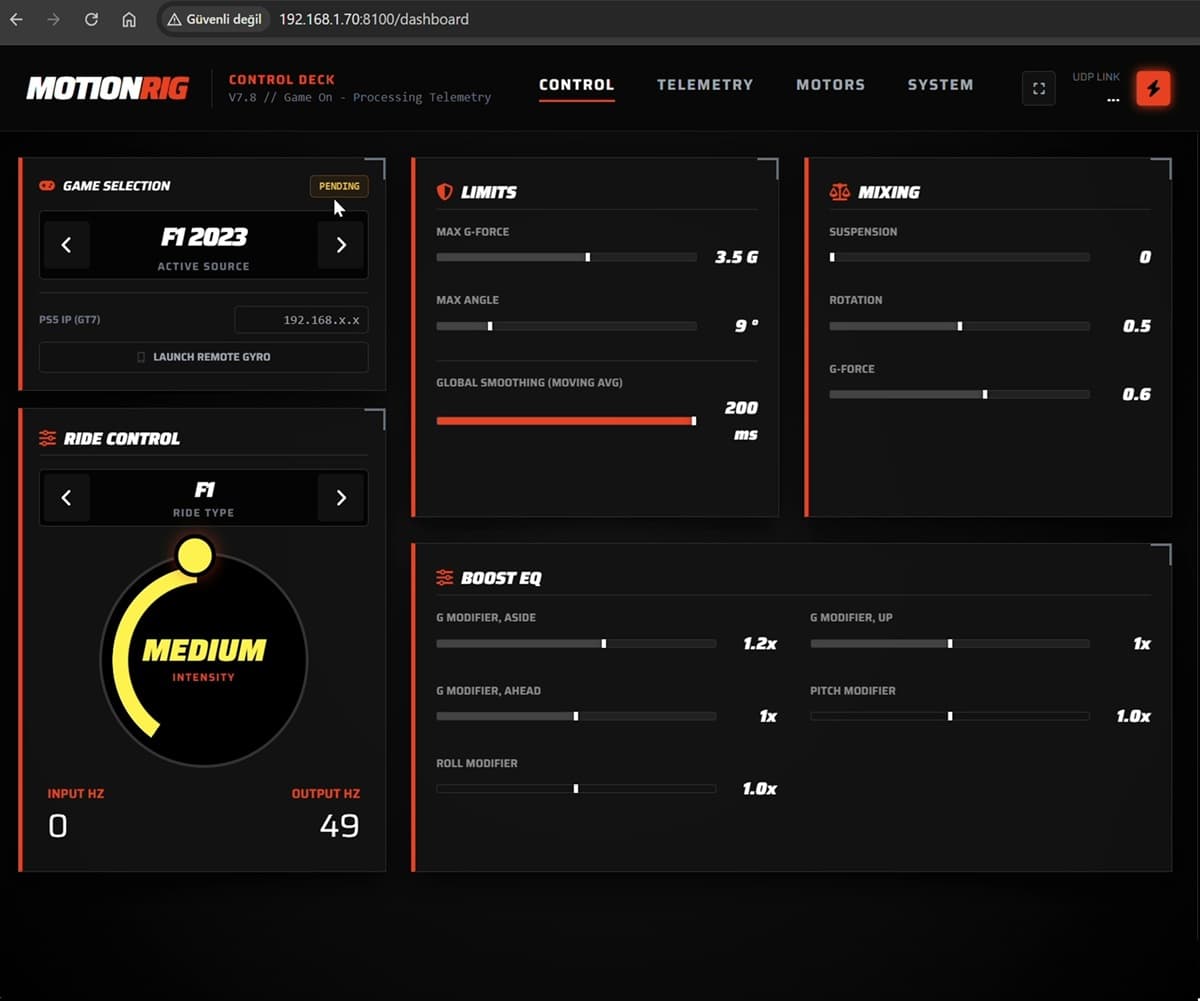
Control: game, driving intensity, limits
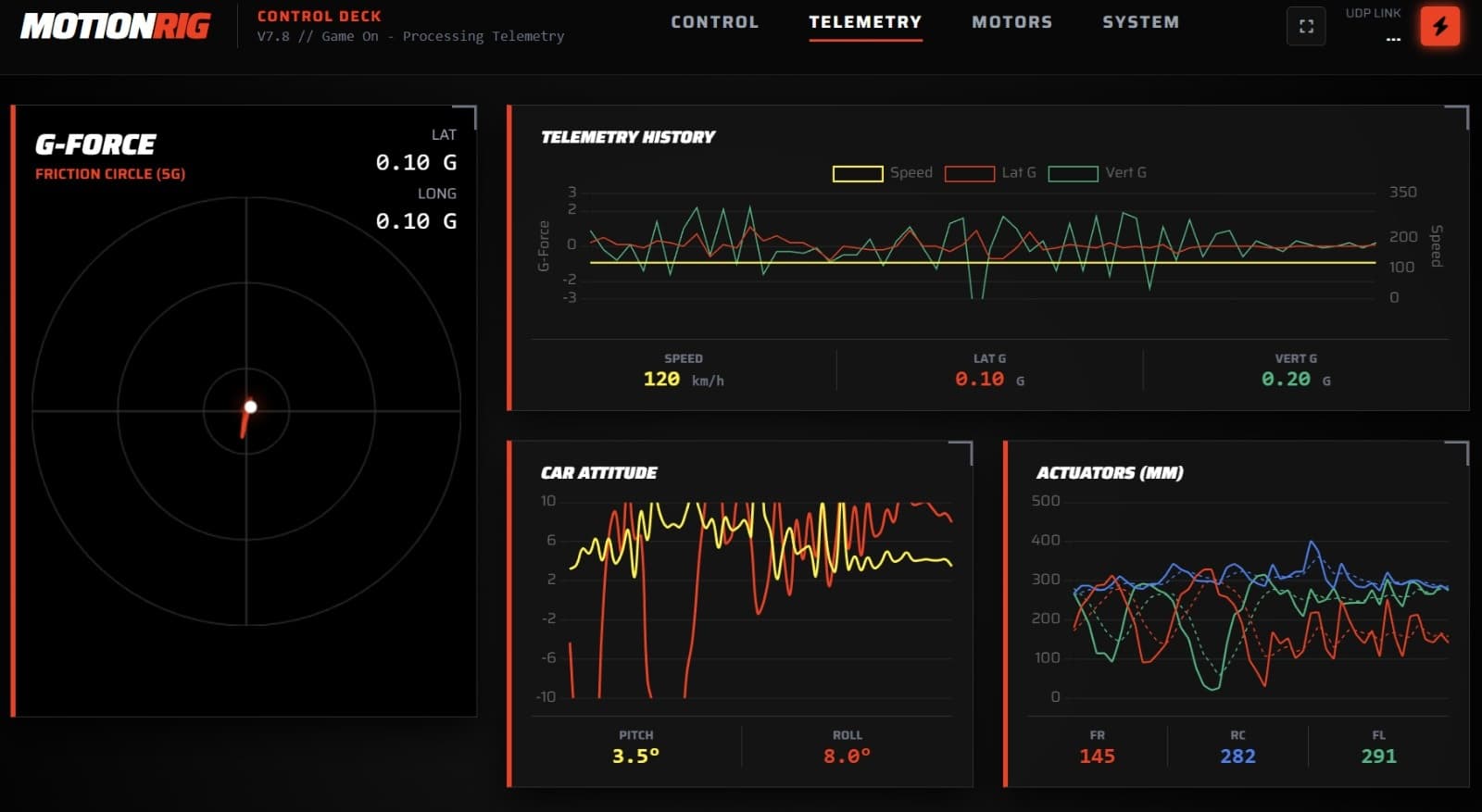
Telemetry: G-force and motor graphs
Pairs in seconds
Connects to your phone over Bluetooth.
Updates itself
Recognises your Wi-Fi network and installs updates on its own.
Adjust on the move
Change motion intensity and response speed live.
E-Stop from your phone
Stops all motion with one tap.
Fleet management · For businesses
Every seat on one screen.
Every rig reports its status every 30 seconds. See which ones are running and which are resting.
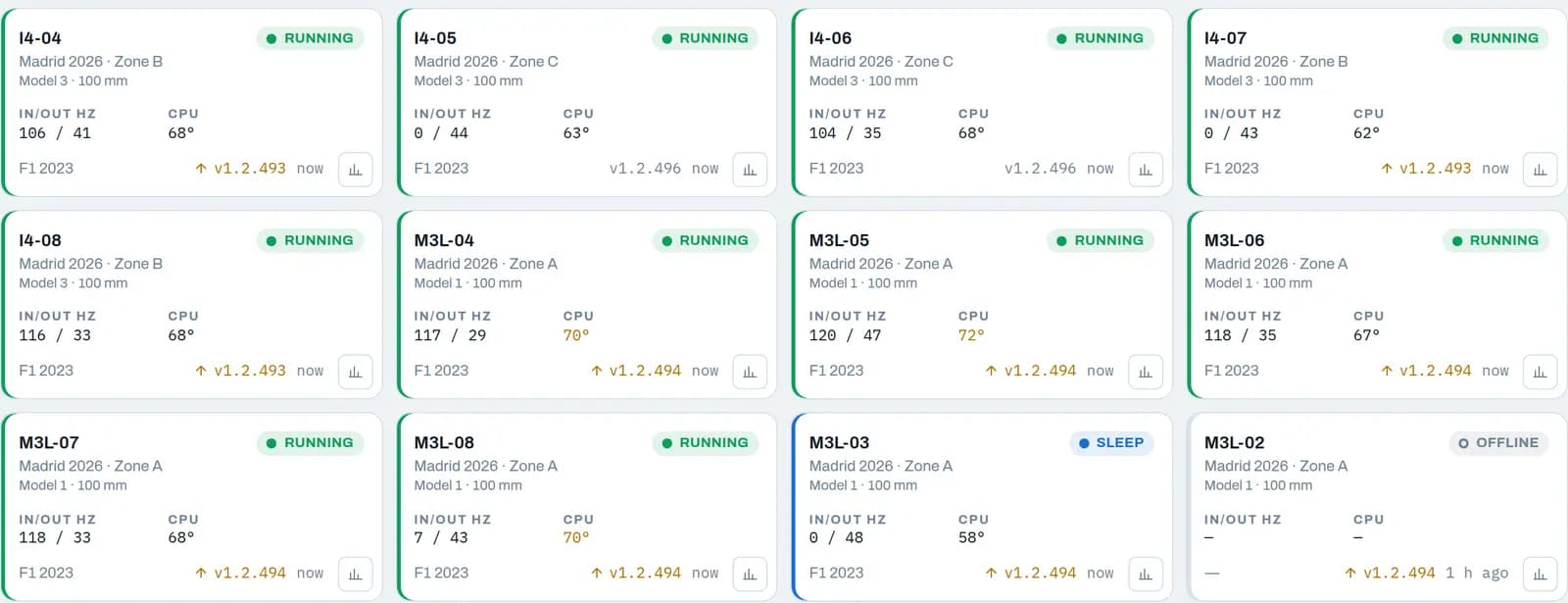
Usage and uptime
For every device, one by one.
Health report
How the motors are doing, before anything fails.
Remote settings
Change them without going on site.
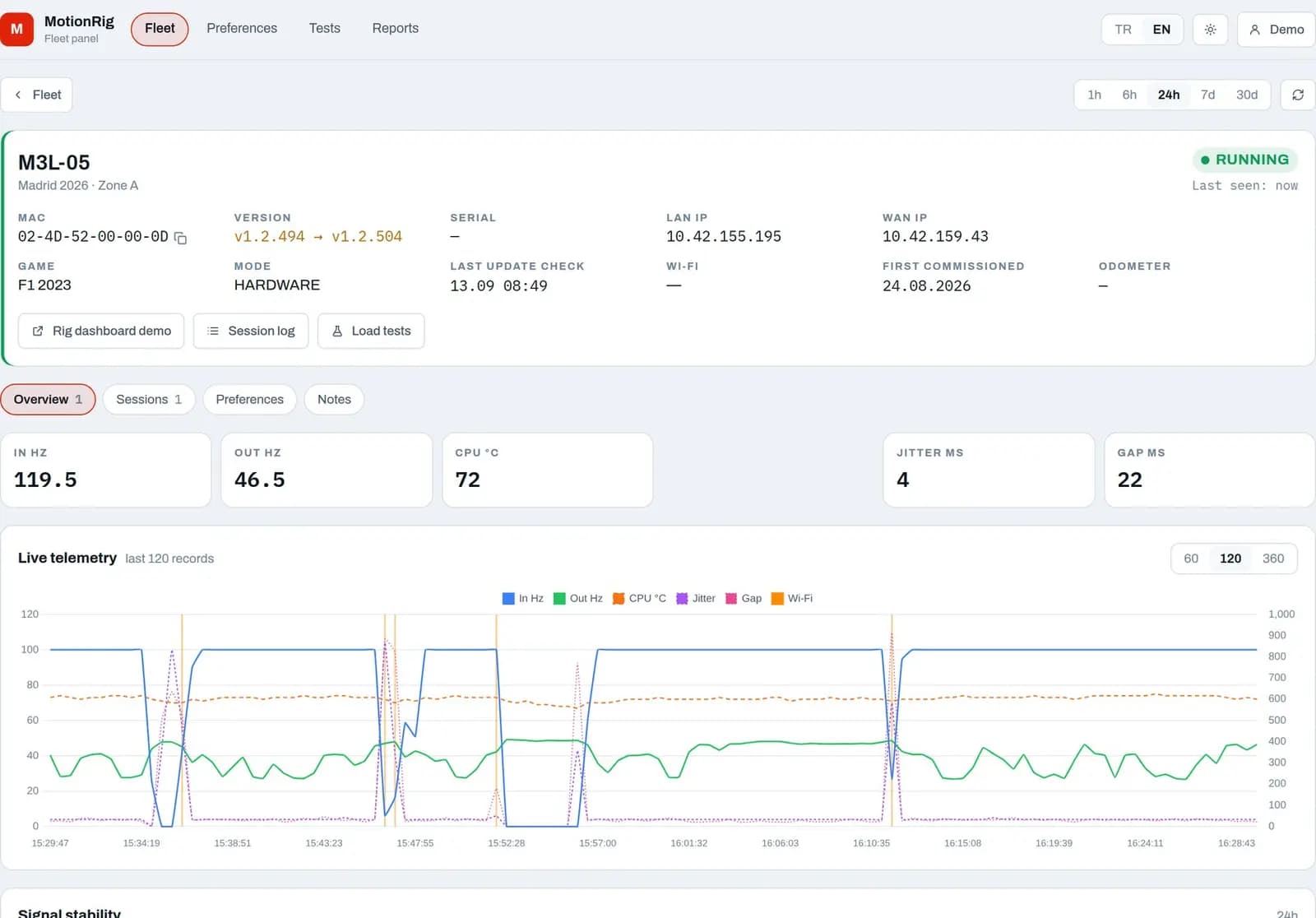
Safety
Power. And limits.
The mechanics can do far more. At home, it is limited in hardware.
- >1.0 G
- acceleration the mechanics can deliver
- 0.35 G
- hardware limit for home use
- 80 cm/s
- maximum mechanical motion speed
- 35 cm/s
- speed limit for home use
Stops with one tap.
E-Stop from your phone, plus a separate emergency stop circuit.
Checks itself at every start-up.
Smart motors self-test and re-zero every time it powers on.
Warns you before a failure.
It tracks motor torque over time and catches wear before it becomes a failure.
A separate guard.
An independent supervisor watches the system; a black box records the last 3 seconds.
Anti-hammering · emergency stop/freeze circuit · independent ESP32 supervisor · black box (last 3 s)
Flight simulation
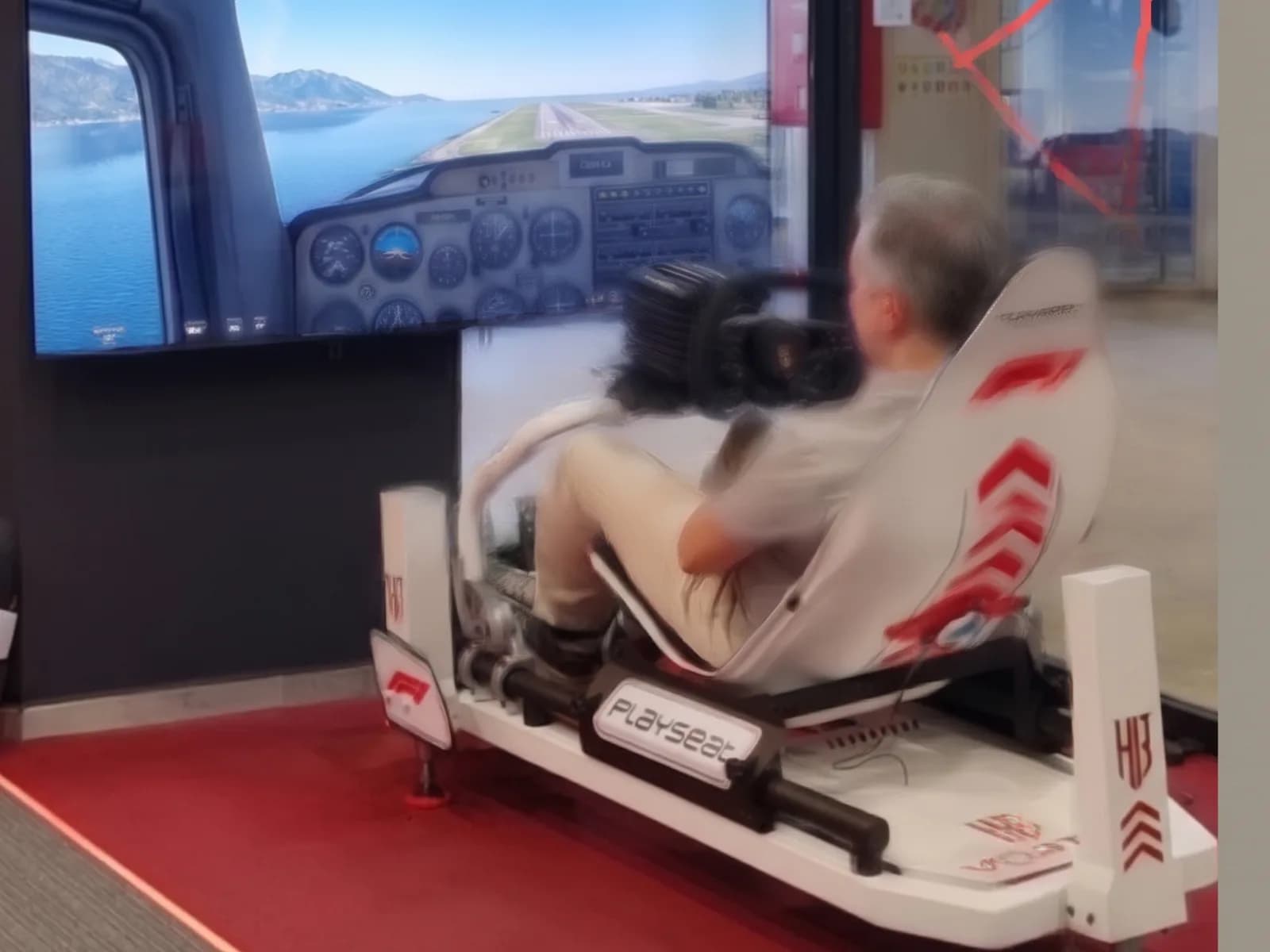
Not just racing. Flying, too.
Native support for Microsoft Flight Simulator.
Sit in it first. Then decide.
Try motionRig before you buy at our showroom in Perpa, Istanbul. By appointment.
Get a quote.
A few details are enough. We'll get back to you with a tailored quote.